Your WhatsApp customers, ready to chase
Every customer who messaged the ACH WhatsApp number since April, with what they bought or what they asked. One sheet. Your team can work it by hand, or you can hand it to Claude and let it match the list against your own sales.
Open the sheet
Tap Open the sheet at the top. It opens in Google Sheets on your phone or computer. The first tab, Read me, explains every column. You can come back to it any time.
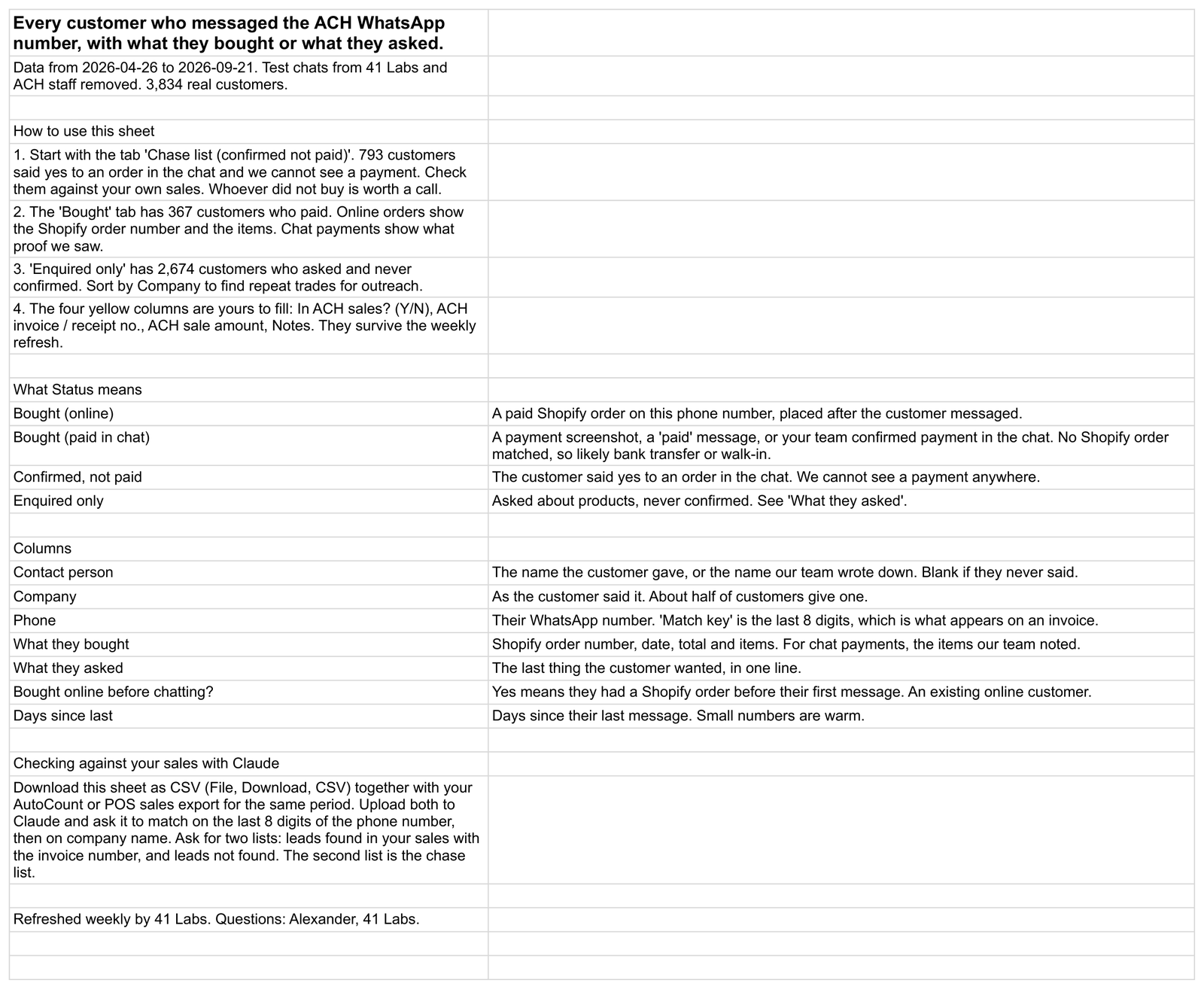
Work the chase list
The second tab is Chase list (confirmed not paid). These 793 customers said yes to an order in the chat and we cannot see a payment anywhere. Some paid you in the shop or by bank transfer. The rest never bought. Those are worth a call.
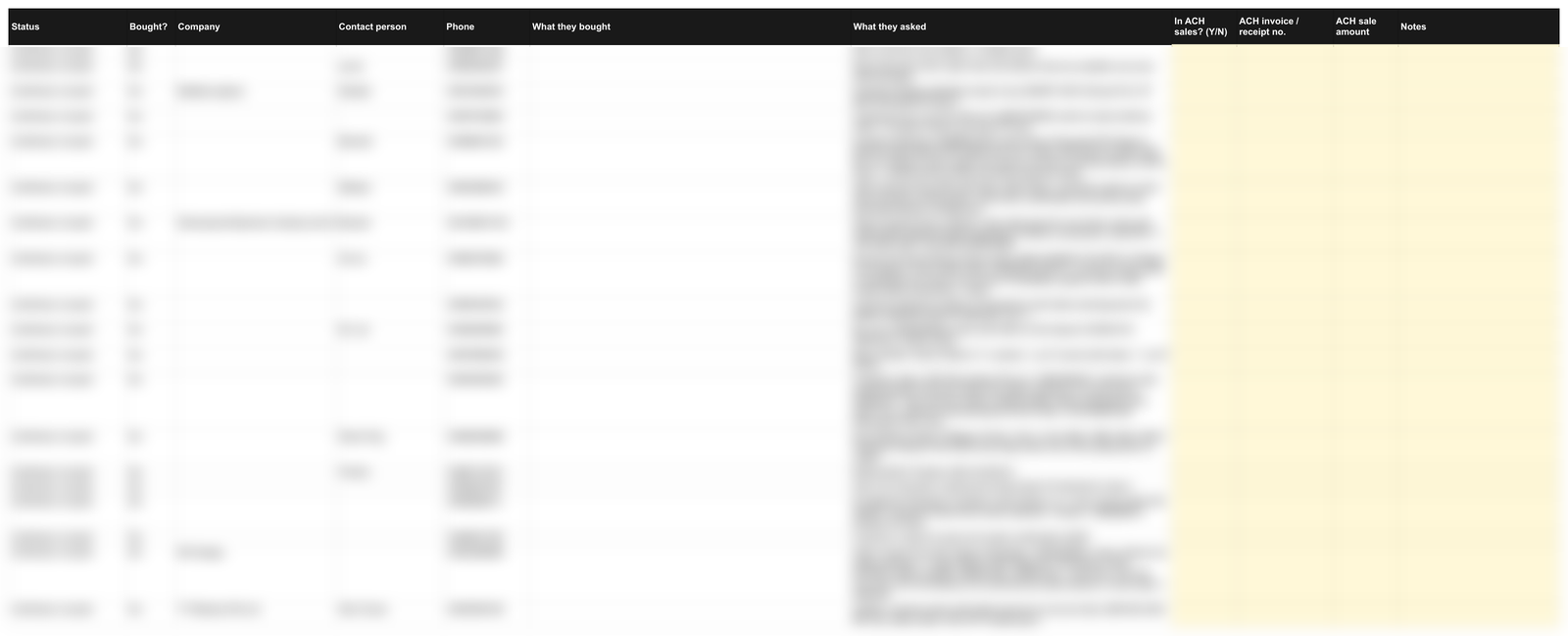
Newest customers are at the bottom of each tab. To see the warmest first, click the Days since last column header and sort smallest to largest.
See who bought
The Bought tab has 367 customers who paid. For online orders you see the Shopify order number, the date, the total and the items. For payments made in the chat you see what proof we saw, for example a PayNow screenshot.
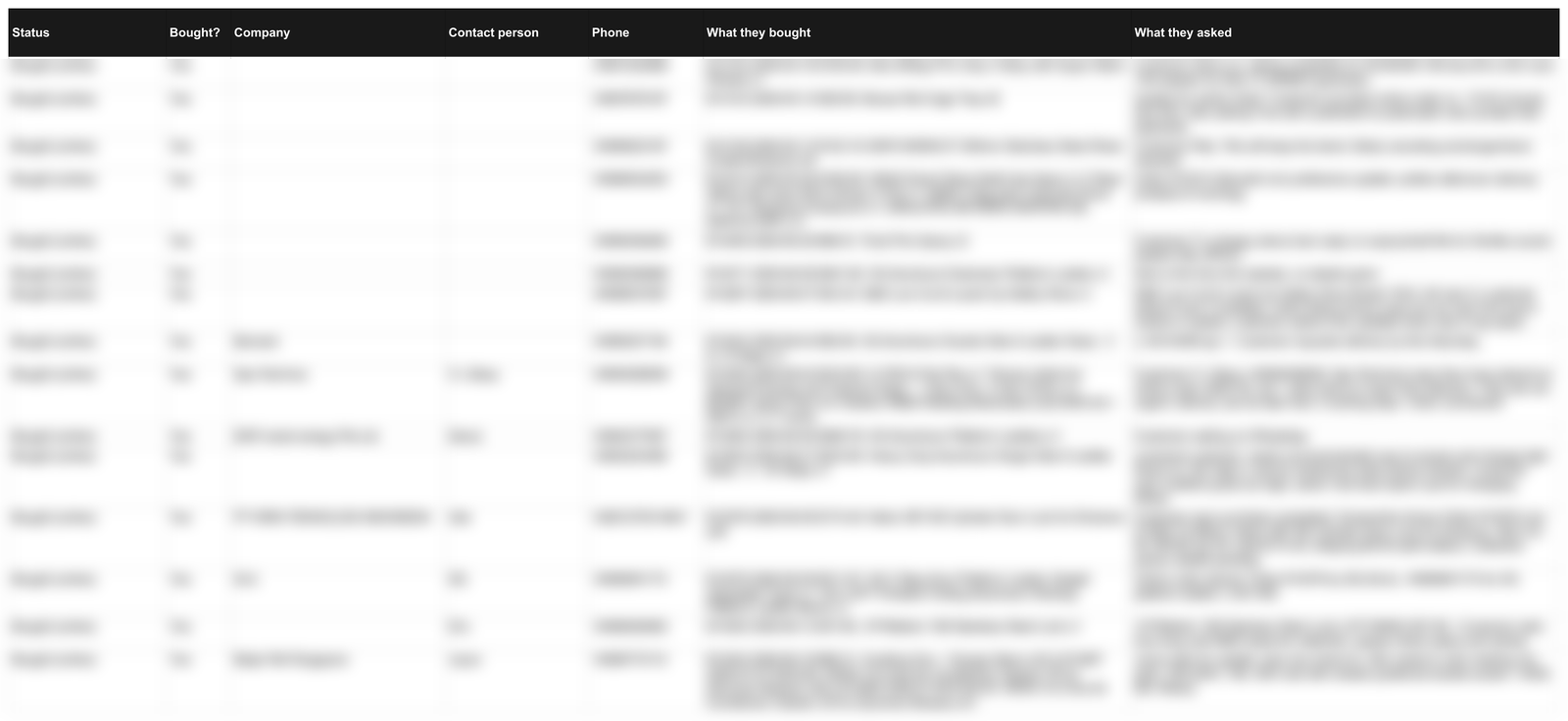
| Status | What it means |
|---|---|
| Bought (online) | A paid Shopify order on this phone number, placed after the customer messaged. |
| Bought (paid in chat) | A payment screenshot, a "paid" message, or your team confirmed payment in the chat. No Shopify order matched, so likely bank transfer or walk-in. |
| Confirmed, not paid | The customer said yes to an order. We cannot see a payment. Check against your sales, then call. |
| Enquired only | Asked about products, never confirmed. The "What they asked" column tells you what. |
Let Claude do the matching
You have the sales records. We have the chat list. Claude can match the two in a couple of minutes, so nobody has to go line by line. You need two files.
- ACH-whatsapp-leads.csv. We sent it to you by email. Save it to your computer or phone. It is the whole list in one file.
- Your sales list. Export your invoices from AutoCount as an Excel file, from 26 April 2026 to today. It should have the customer name, phone number, invoice number, date and amount. Column names do not matter. If the file is very big, one month at a time is fine.
Then, in Claude
- Go to claude.ai, or open the Claude app on your phone. Start a new chat.
- Tap the + button at the bottom left of the message box, then Upload a file. Pick the CSV we sent you. Do it again for your sales Excel. Both files show as small cards above the message box.
- Tap Copy the prompt below, paste it into the message box, and send.
- Wait one to two minutes. Claude replies with three lists and the totals.
Illustration. The + button is where you add files. On the phone app it is the same button.
The prompt to paste
I have two files.

File 1, ACH-whatsapp-leads.csv, is every customer who messaged our WhatsApp number. Key columns: Status, Company, Contact person, Phone, Match key (last 8 digits of the phone), What they asked, First contact, Last contact.

File 2 is my own sales export for the same period. Find the columns that hold the customer phone number, customer or company name, invoice or receipt number, date and amount.

Please do this:

1. Normalise every phone number in both files to its last 8 digits. Match leads to sales on that first. Where there is no phone match, match on company name, ignoring case, punctuation and the words Pte, Ltd, Private, Limited.

2. Give me a table of leads with Status "Confirmed, not paid" or "Bought (paid in chat)" that DO appear in my sales: Company, Contact person, Phone, invoice or receipt number, sale date, amount. These are sales the WhatsApp system helped close.

3. Give me a table of leads with Status "Confirmed, not paid" that do NOT appear in my sales, sorted by Last contact, newest first: Company, Contact person, Phone, What they asked, Last contact. This is my chase list.

4. Give me the totals: how many leads matched a sale, the total sale amount matched, and how many are still open.

5. List the companies in "Enquired only" that appear two or more times, with what each asked. These are repeat trades worth an outreach call.

Only use figures from the two files. If a column is ambiguous, tell me which one you used. Do not invent invoice numbers or amounts.
After the first answer, you can keep asking
Getting the latest list each week
The Google Sheet link never changes. We refresh it every week. When you want a fresh CSV for Claude, open the sheet, go to the All leads tab, then File, Download, Comma Separated Values (.csv). That file replaces the one we emailed you.